TechnoKids TechnoMap


Description
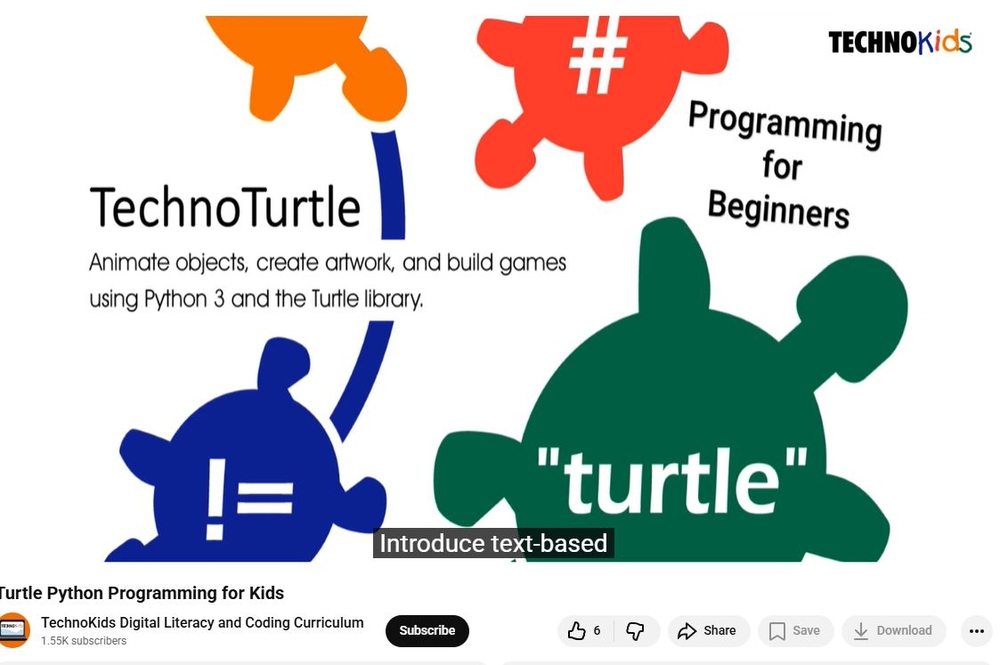
Python Programming for Kids
Introduce programming for kids with TechnoTurtle. In this course, students ages 8-11 become game designers. They use Python and the Turtle library to conquer mazes, paint pixel art, create a Mad Lib Generator, and build a Carnival Game. The fun begins when students edit code to gain an understanding of the structure of Python scripts. Once familiar with basic concepts, the young programmers are introduced to debugging, loops, variables, and conditional logic. Ignite an interest in programming with fun activities tailored for beginners.
STEM Activities Using Python for Beginners
Ignite an interest in coding. Build scripts, loop sequences, manipulate variables, and apply conditional logic. Lesson plans provide a foundation for learning text-based programming.
Empower Students in Grades 3-6
Stop the mindless copying of scripts to write programs! Instead, use lessons that promote exploration and experimentation. TechnoTurtle gradually introduces programming concepts that are then applied to code original creations. Throughout the course, students are explicitly taught debugging techniques. As a result, they become independent coders, capable of finding and editing errors.
Develop Computational Thinking
TechnoTurtle includes offline coding activities that have students consider the importance of programming in daily life. Use some or all of the lessons. Teach TechnoTurtle in a computer science class, hour of code, or makerspace workshop.
Fun Coding Lessons for Elementary Students
The project includes a digital Teacher Guide with detailed instructions. Resources include Python templates, program answer keys, planning sheets, coding journal logs, Python and Turtle reference sheets, assessment tools, and more!
TechnoKids TechnoMap
- Publisher: TechnoKids
- Grade Level: 6-9
- Platform: Win
- Item #: INT-MAP
We will honor all current TechnoKids promotions!
| Starter account. Includes online teacher 12mths #INT-MAP |
Price: $69.00 | |
| Class account: Teacher plus up 40 students 12mths #INT-MAPC |
Price: $129.00 |
Demos
Features and Benefits
- Imagine Life Without Coding: Think about daily life.
- Program the Robot: Animate a drone to complete chores.
- Dot-to-Dot Fun: Draw lines to complete the picture.
- Picture Perfect: Edit code to complete a picture.
- Customize the Stamp: Import an image into the shape list.
- Design a Spirograph: Practice loop code to make unique patterns.
- Rain Cats and Dogs: Randomize x and y coordinates.
- Guess a Number: Build a game to pick a number from 1-10.
The TechnoTurtle course has 30 assignments divided into six sessions.
Session 1: Python, Turtles, and Bugs
Students become programmers. To start they learn how the programming language Python is used in daily life. Next, they visit the Turtle library to study the commands and make predictions about their function. They test their ideas by modifying a program to control what it draws. Once familiar with how to run a Python program, students add bugs to the code. This allows them to identify and fix common errors.
Session 2: Conquer the Maze
Students control the movement of a Turtle through a series of mazes. The fun begins when the young programmers write their first script. It marches a Turtle around the screen by moving forwards, backwards, and turning. Once they have mastered this set of commands, students are challenged to develop a script that will guide a Turtle through a maze. Can they solve the puzzle?
Session 3: Draw Pictures
Students write code to draw pictures. To start, they learn how to plot a point on the canvas using x and y coordinates. They apply this knowledge to stamp a unique design. Next, the young programmers follow instructions to design a robot by combining lines, rectangles, circles, dots, and symbols. Once familiar with how to control the Turtle's drawing tools, students build their own program to draw a picture.
Session 4: Design Colorful Spirographs
Students paint stunning artwork. To start, they learn code that repeats a set of instructions forever or for a specific number of times. Next, they complete a series of exercises to discover how to construct looping geometric shapes called spirographs. Once students are familiar with designing patterns, they use the Random library to produce colorful creations.
Session 5: Create a Mad Lib Generator
Students design a word game, called a Mad Lib. It has players provide a list of words that are used to complete a silly sentence or story. To prepare for this coding task, students learn about variables by chatting with the computer. Next, they edit a Mad Lib party invitation to discover how to join variables and text together to form sentences. Once familiar with the structure of the code, they program their own wacky word game.
Session 6: Invent a Carnival Game
Students become game designers. They combine Python and Turtle programming commands to produce a Carnival Game. To start, they learn about if, elif, and else. Once familiar with conditional logic they invent a game that prompts the player to pick an option to win a prize. Optional challenges enrich the design such as looping a flashing message or showing a picture of their winnings. Get ready for fun. Step right up to win a prize!
Optional Python Programming for Kids Activities
System Requirements
| Ages | 10, 11, 12, 13, 14, 15, 16, 17 |
|---|---|
| Grades | grade 5, grade 6, grade 7, grade 8, grade 9, grade 10, grade 11, grade 12 |
| Program | IDLE Python 3 |
| Tech Integration | computer science, language arts, math, visual arts |
| Tech Skill | coding, game development |
| License | Homeschooling, Starter, Class, Classrooms, School |
| Starter License Includes | online teacher guide, online student workbook, get started, course slides, printable assessment tools, sample files, extension activities, certificates, parent letters |
| Class License Includes | online teacher guide, getting started tips, course calendar, online student workbook, online assignments, printable assessment tools, online quizzes, student reporting, sample files, extension activities, certificates, parent letters, templates |
| Classroom License Includes | online teacher guide, getting started tips, course calendar, class management tools, online student workbook, online assignments, printable assessment tools, online quizzes, student reporting, sample files, extension activities, certificates, parent letters, templates |
| Product Type | Course |
| Homeschool License Includes | Certificates, Extension activities, Online assignments, Online quizzes, Online teacher guide, Parent letters, Remove printable assessment tools, Sample files, Student reporting, Templates |